
Features
What the VISIYA vision board app can do
A board for your goals, one line in the morning, two minutes at night. Here’s every feature, and the table shows what’s free and what comes with VISIYA Plus.
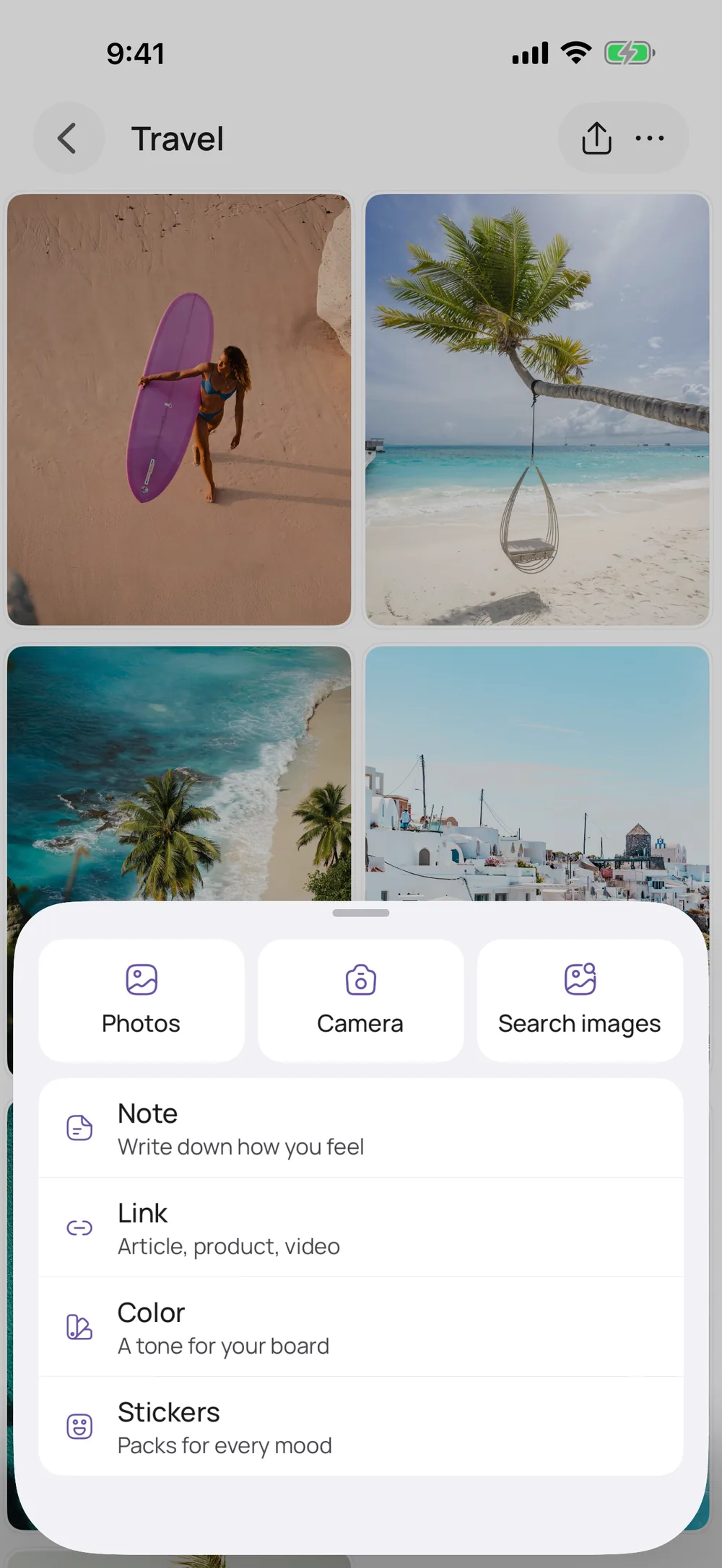
Vision boards
A board of pictures, notes and stickers
Start blank or pick a template that sets up areas like Health, Love and Career. Eight templates are free. Search photos and GIFs without leaving the app. When a dream comes true, mark it as fulfilled, and the card counts it, like “3/12 fulfilled.”
More about vision boards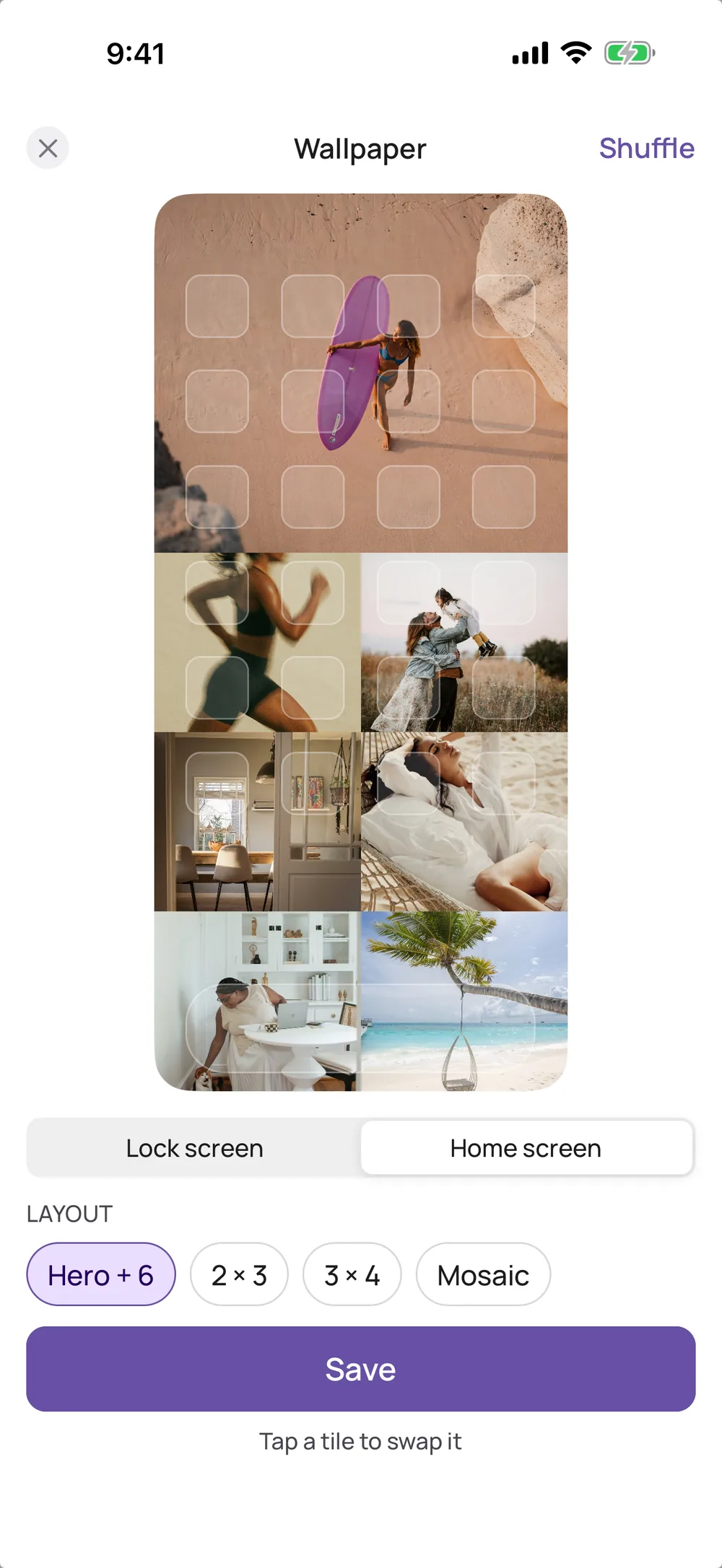
Wallpaper and widgets
Your board on your lock screen
Turn your board into a wallpaper: pick a layout, swap tiles, save. The vision board widget puts your pictures on your home screen. Both are part of VISIYA Plus. Without Plus, the widget shows just the first picture.
Make your board a wallpaper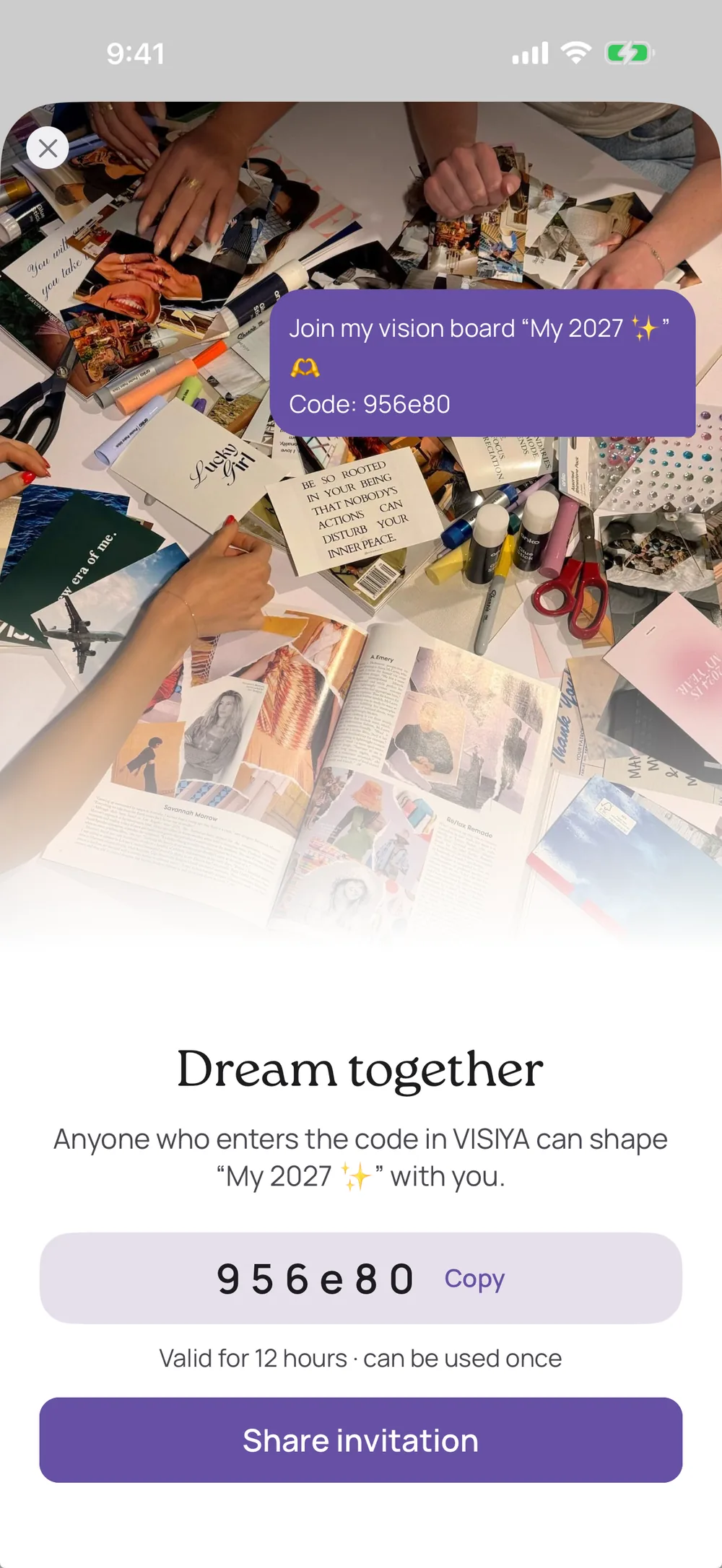
Dream together
One board, made together
Invite your partner, your best friend or your family with a code. Everyone who joins can add pictures and notes. Sharing and joining are free. Without Plus, a board you join counts as your one free board.
More about shared boards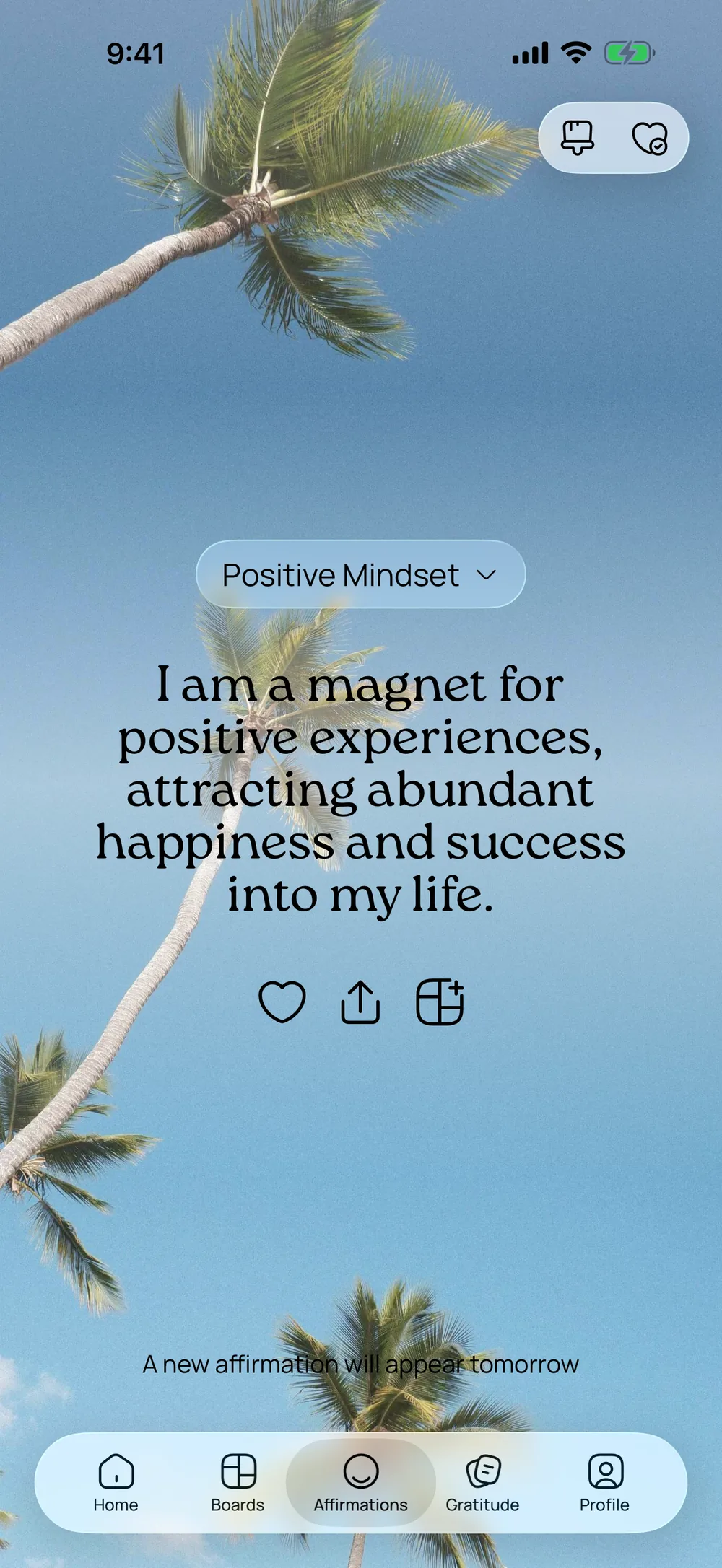
Affirmations
3,244 affirmations in 40 topics
Choose 2 to 10 topics. Six of the 40 are free. A new affirmation is waiting each morning, and the widget brings it to your home screen in three sizes. Add favorites to your board and pick a background and font you like.
More about affirmations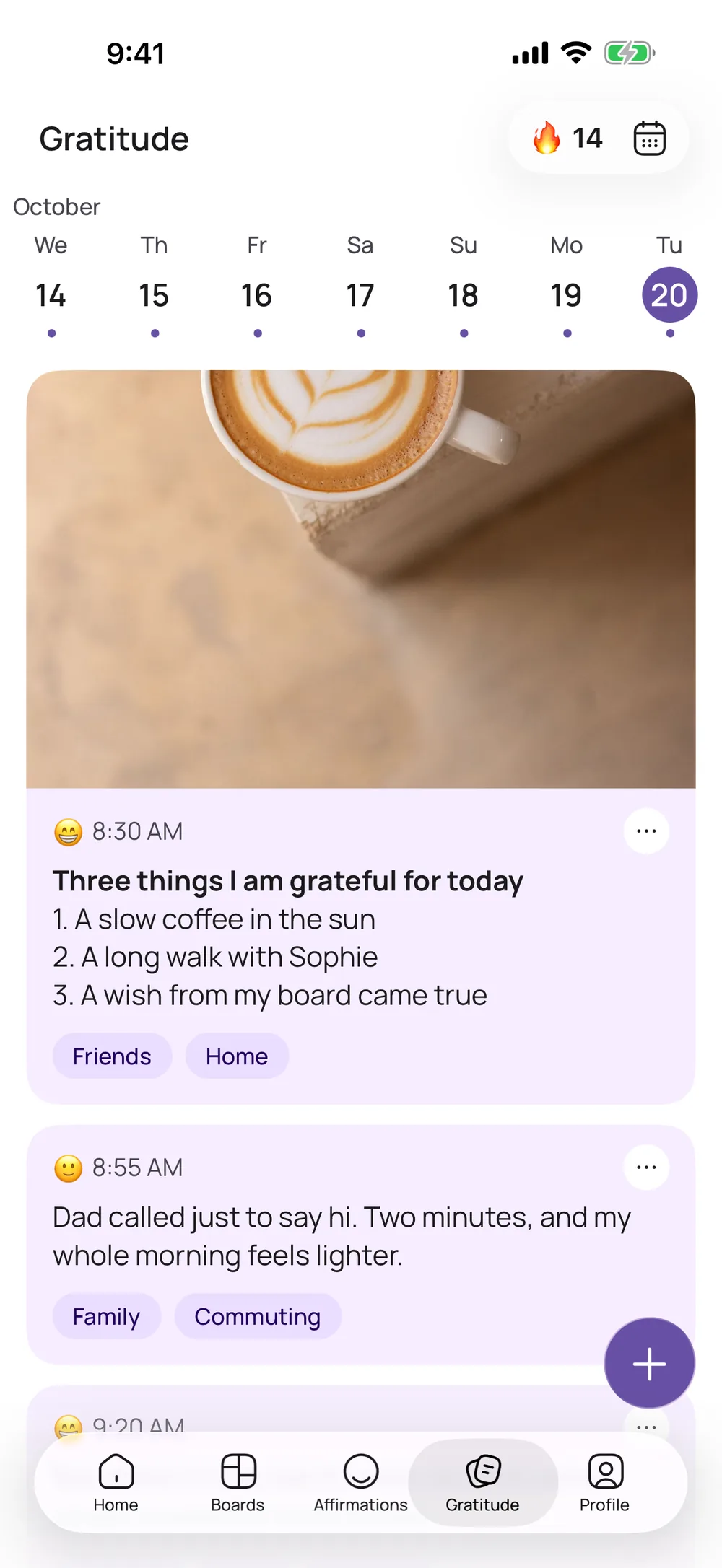
Gratitude journal
Two minutes of gratitude at night
Write down what went well today, then add your mood and tags. The calendar, week view and achievements show what lifts you up. Two writing prompts are free. Photos in entries and more prompts come with VISIYA Plus.
More about the gratitude journal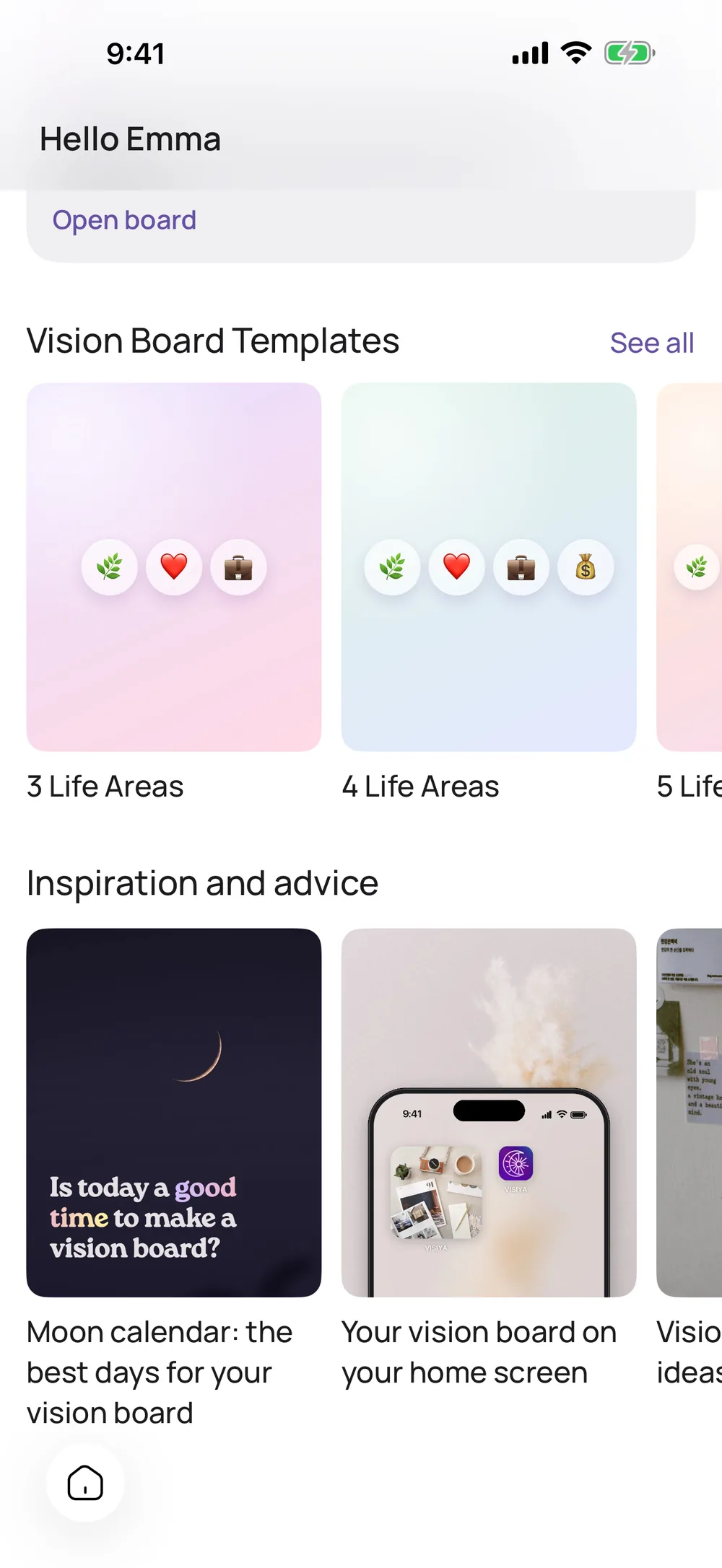
Moon phases
Today’s moon phase
VISIYA shows the current moon phase, and one tap opens a page with every phase. Handy if you like to write down your wishes at the new moon.
The best new moon dates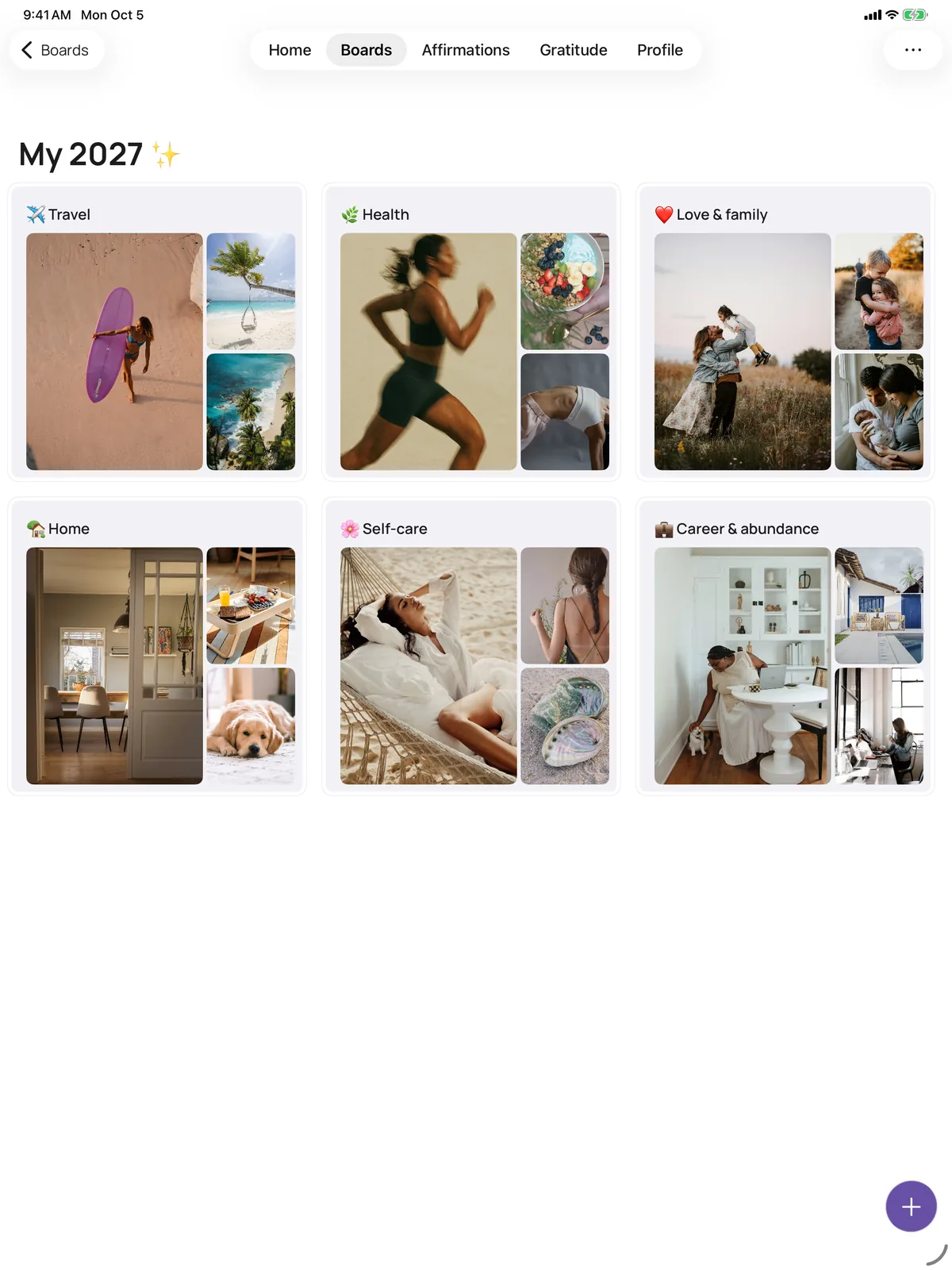
iPhone and iPad
On iPhone and iPad, with one account
VISIYA is made for iPhone and iPad. Sign in with the same account and your boards, affirmations and journal entries are on both. The iPad gives you more room to arrange your board.
Download on the App StoreFree or VISIYA Plus
Every feature at a glance. VISIYA Plus is a one-time purchase, with no subscription.
| Feature | What it does | Free | VISIYA Plus |
|---|---|---|---|
| Vision board | Photos, GIFs, notes, links and colors on one board | 1 board | ✓ |
| Templates | Boards with life areas, prompts and image ideas | 8 templates | All |
| Photos and GIFs | Unsplash photos, GIPHY GIFs or your own pictures | ✓ | ✓ |
| Stickers | Sticker packs for your board | Some | All |
| Mark as fulfilled | Check off what came true, and the card keeps count | ✓ | ✓ |
| Download | Save your board as an image to print or share | ✓ | ✓ |
| Wallpaper | Your board as a lock screen or home screen wallpaper, in four layouts | Preview | ✓ |
| Vision board widget | Your board’s pictures on your home screen | First picture | ✓ |
| Dream together | Invite people with a code and fill one board together | ✓ | ✓ |
| Affirmations | 3,244 affirmations in 40 topics, pick 2 to 10 | 6 topics | All 40 |
| Affirmation widget | Affirmations on your home screen, in three sizes | ✓ | ✓ |
| Backgrounds and fonts | Your own look for your affirmations | Some | All |
| Gratitude journal | Entries with mood and tags, calendar, week view, achievements | ✓ | ✓ |
| Writing prompts | Questions for when you don’t know what to write | 2 prompts | ✓ |
| Journal photos | A picture with your entry | — | ✓ |
| Moon phases | Today’s moon phase and a page with every phase | ✓ | ✓ |
Your future is worth picturing
Start your vision board today — free on iPhone and iPad.

 Scan to download VISIYA on the App Store