
Digital Supplies
Digital Vision Board Supplies
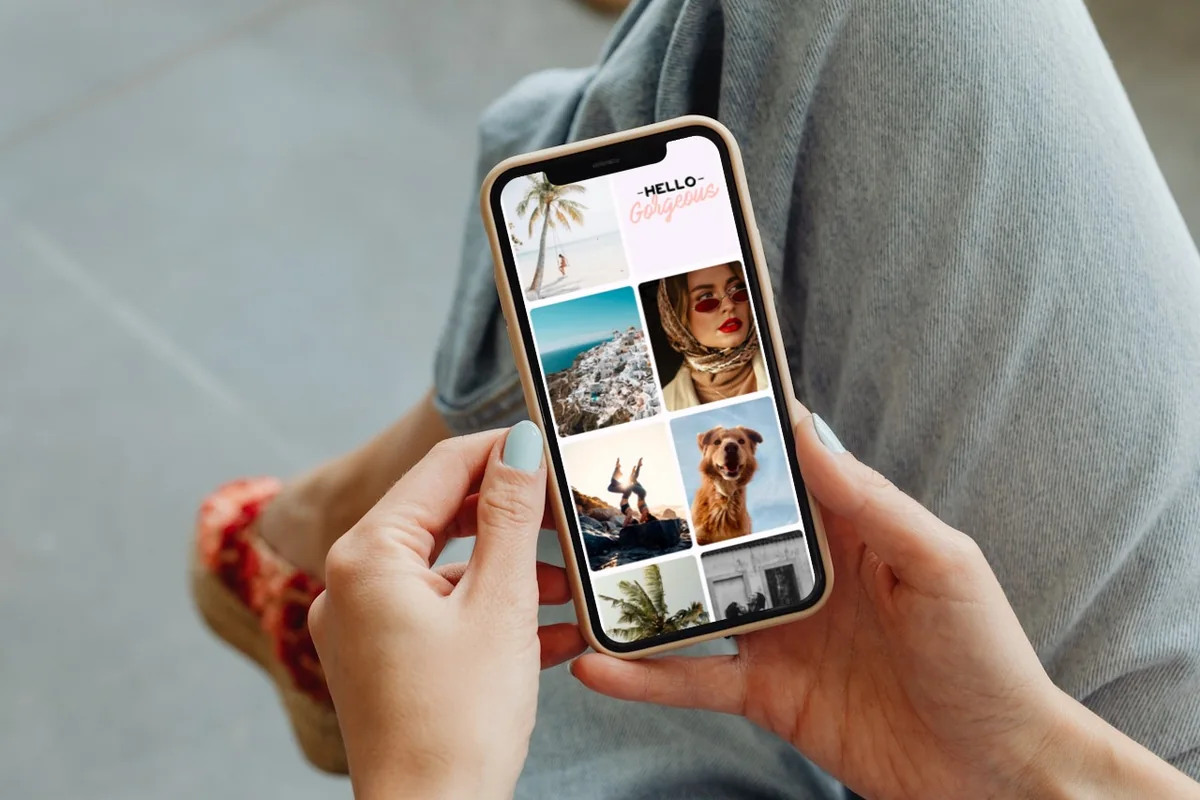
A digital vision board is a collage of images, words, and affirmations that represent your dreams. In order to make a digital vision board, you will need a few supplies like special apps, images, and other visual elements.
Vision Board Apps
VISIYA
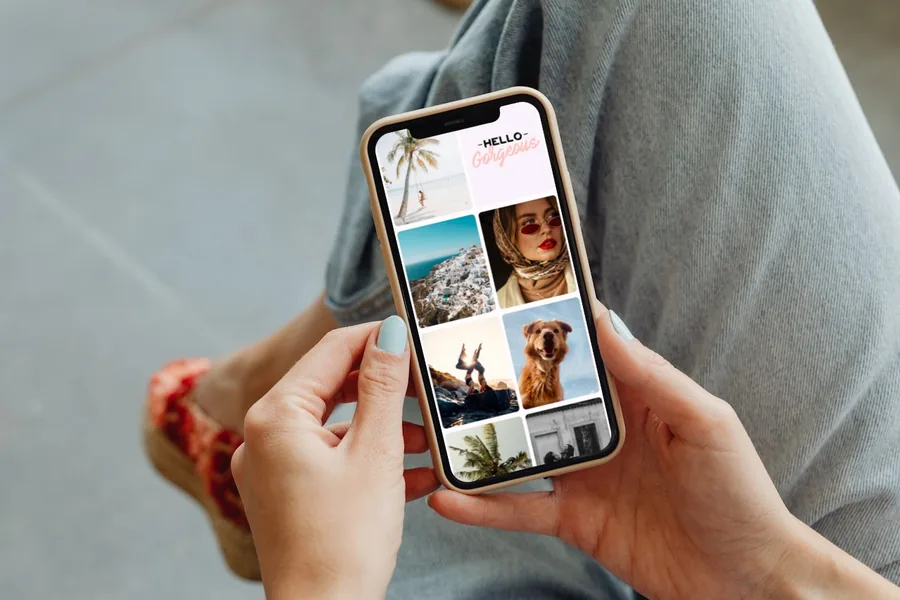
VISIYA is a vision board app for iPhone and iPad. One board is free: your own, or one of eight free templates. You also get daily affirmations. With VISIYA Plus, your board becomes your lock screen wallpaper and a widget on your home screen.
Download VISIYA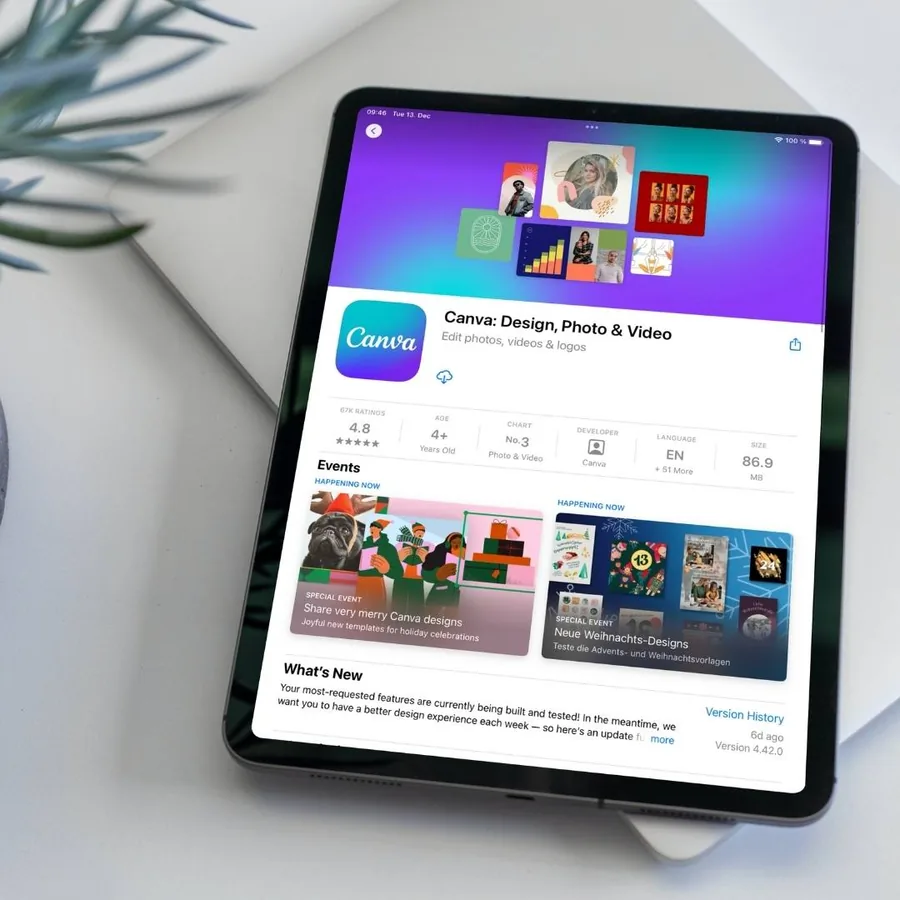
Canva
Canva is a graphic design tool that allows you to create and edit visual content. With Canva, you can create stunning social media posts, videos, cards, flyers, photo collages & more. There are options to add pictures and animations, remove backgrounds, adjust image transparency, and many more.
Go to the Canva app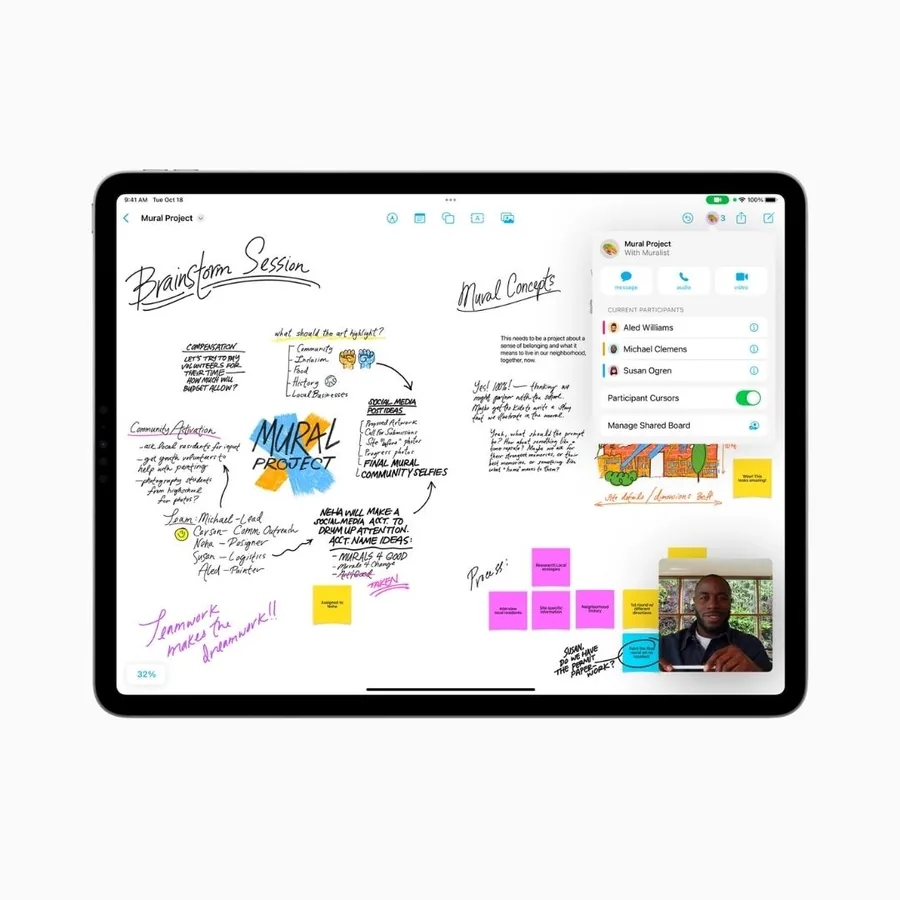
Freeform
Freeform is a versatile whiteboard for collaboration. The handy tool can be used for notes, sketches, drawings, photos, PDFs, links or simply putting all of your thoughts in one place. The Freeform app is available for iPhone, iPad and Mac.
Go to the Freeform app
Images

Stock Photos
You have to include some vivid and beautiful images on your vision board. You will find many stylish stock photos on services like Pexels, Pixabay, or Unsplash. These services offer free images that you can download without any payment or endorsement.
Go to Unsplash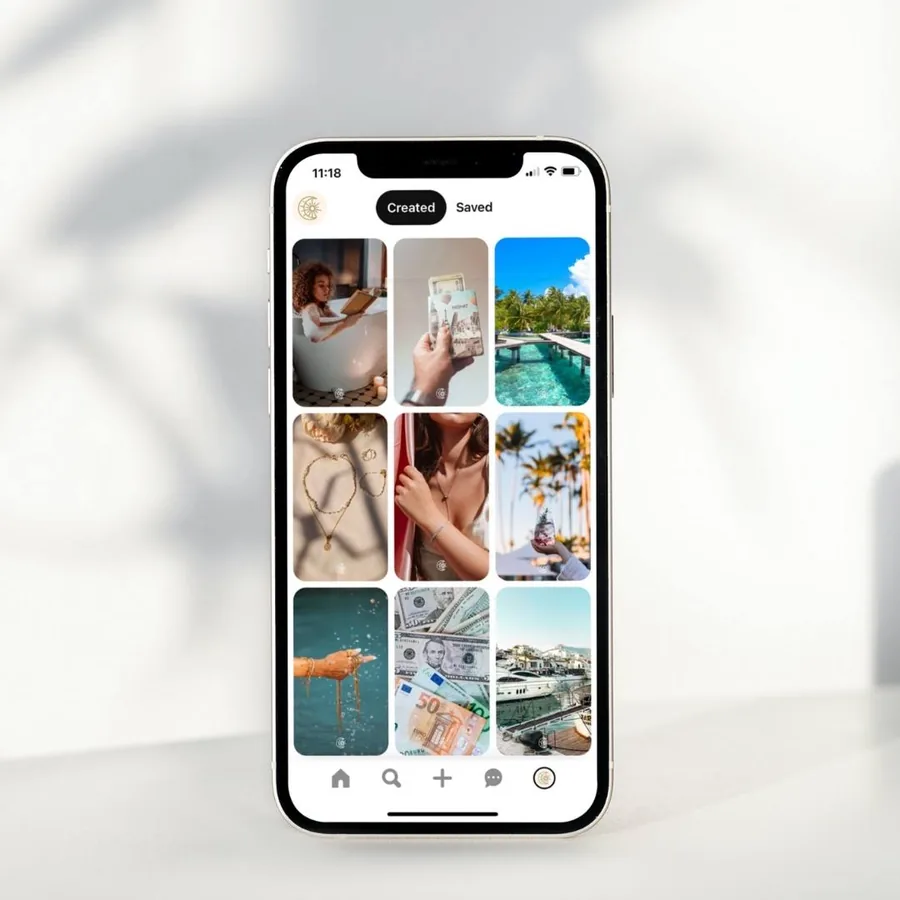
Photos from Pinterest
Pinterest is a photo hosting service that allows you to add images, create collections and share them with other people. Enter your topic of interest into a search bar, or browse images by category. Follow us on Pinterest for vision board inspiration.
Go to Pinterest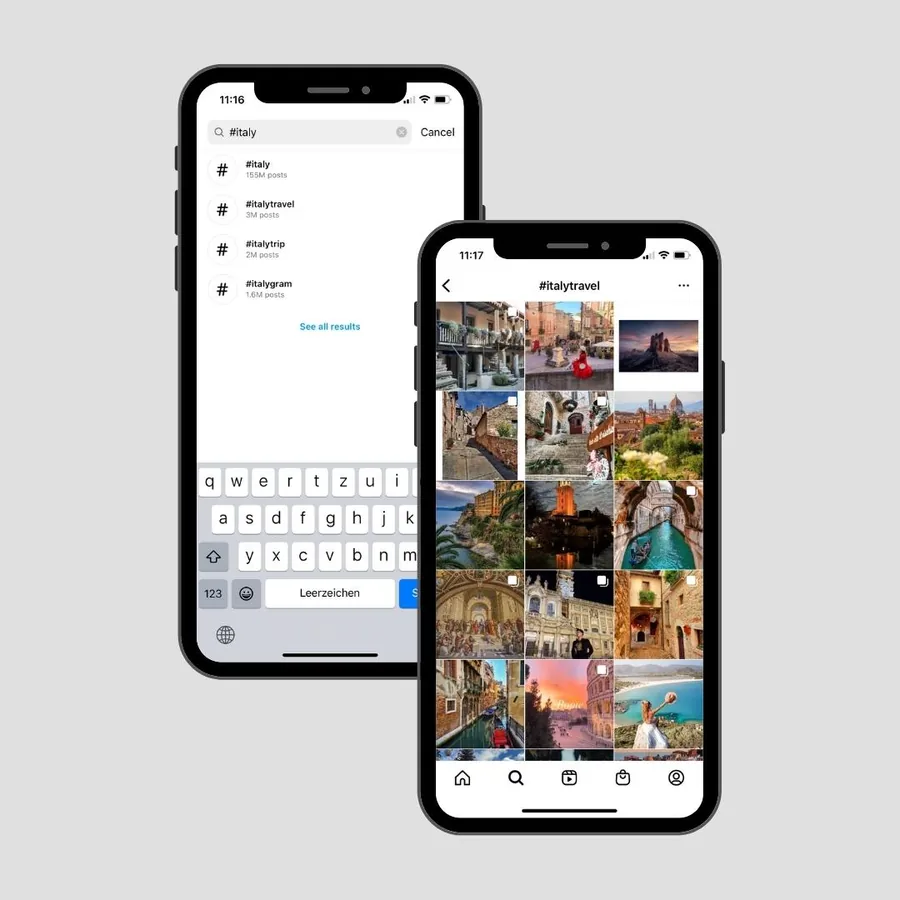
Photos from Instagram
Instagram has photos on almost any topic. Save the ones that speak to you and use them on your vision board later. Just type a hashtag like #visionboard or #visionboardideas into the search bar.
Go to Instagram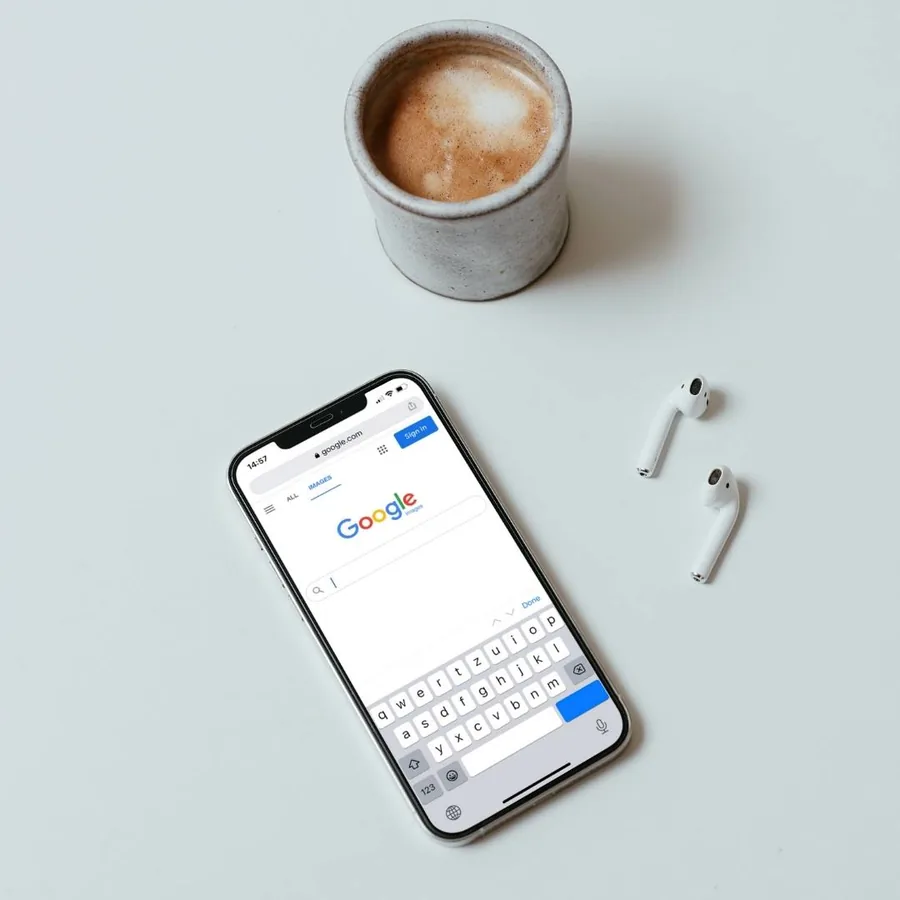
Photos from Google Image Search
Funny pictures, illustrations, desktop wallpaper – anything can be found on Google. Just enter the desired keyword, select the appropriate photo and save it to your phone, tablet or computer.
Go to Google image search
Visual Elements
Affirmations
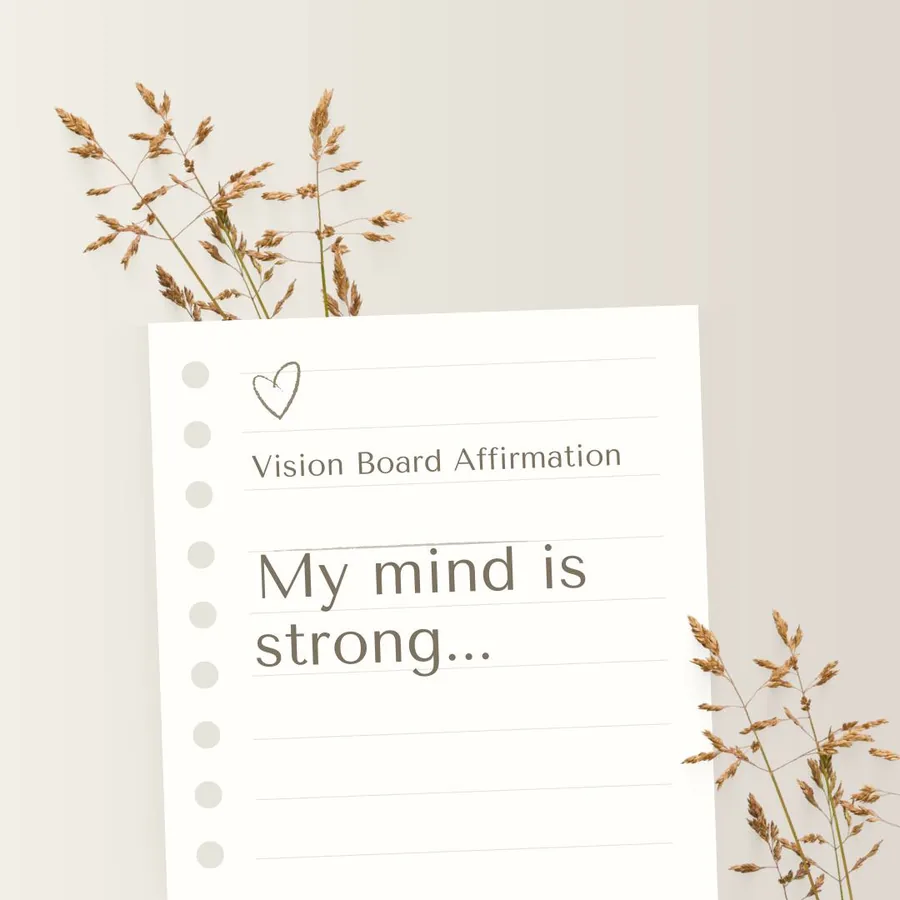
Affirmations are positive statements that reinforce your beliefs. You can find affirmations examples on the internet or create your own. For a digital vision board, we recommend using affirmations in the form of pictures.
View affirmation examples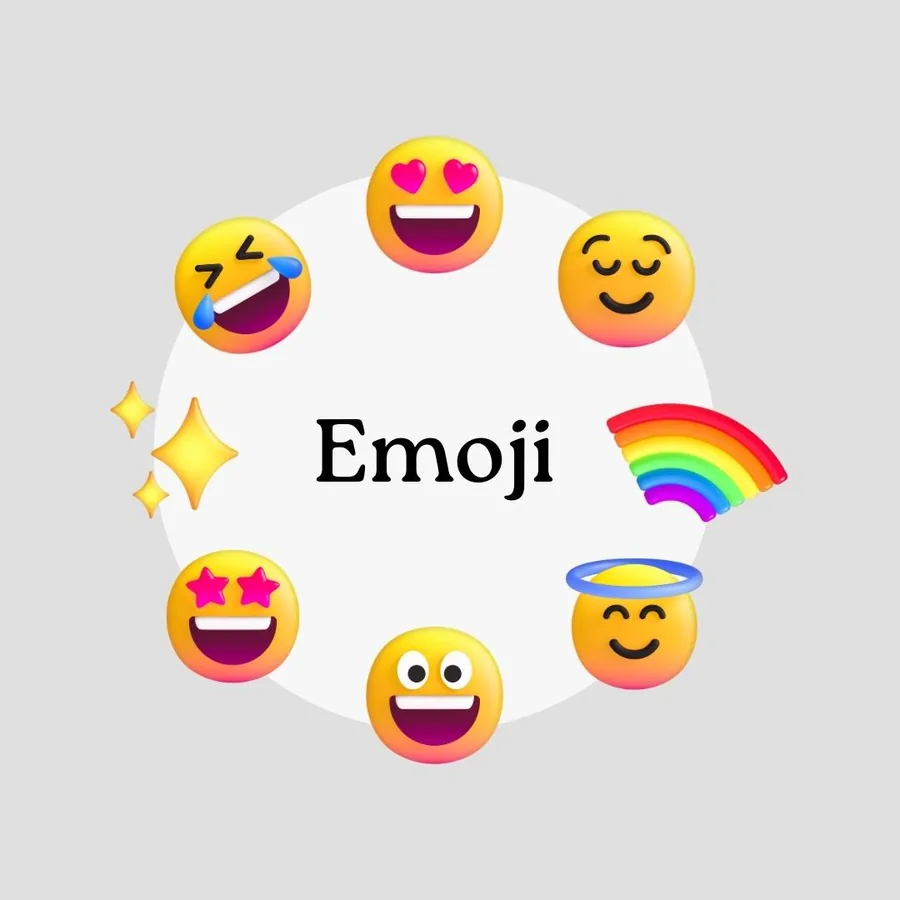
Emoji
Emoticons have become so essential to our written communication that we perceive a message as impersonal when emojis are missing. Remember to add emojis to your text by using the keyboard on your device.
Go to the Emoji encyclopedia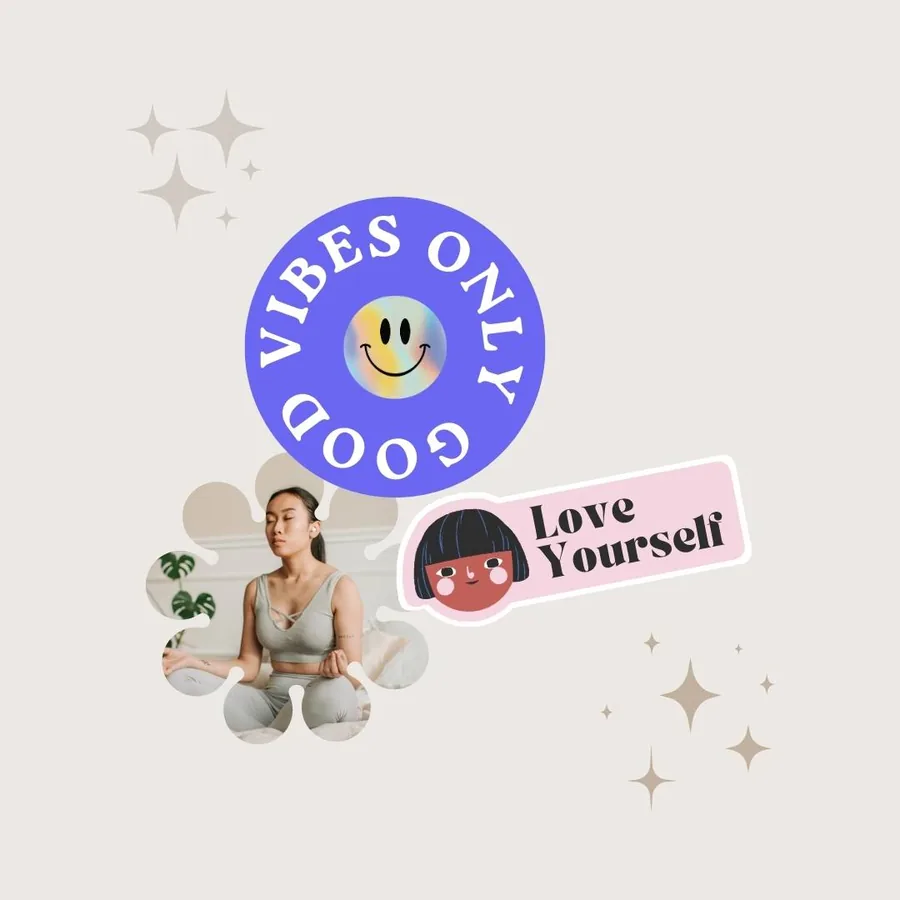
Digital Stickers
Stickers are known from various popular messengers (WhatsApp, Telegram). They help you express yourself and demonstrate your style or sense of humor. Digital stickers are sold on various design sites, but there are also free options.
Go to the sticker site
GIFs
GIFs are an image format for animated pictures. Some vision board apps support GIFs. Use GIF images to add dynamics and movement to your vision board.
Go to Giphy
Stock Videos
If your app supports GIFs or video, try them: a little movement makes a board feel alive. In VISIYA, GIFs from GIPHY are right in the image search.
Go to Pexels
Your future is worth picturing
Start your vision board today — free on iPhone and iPad.

 Scan to download VISIYA on the App Store