Comparison
Best Vision Board Apps for iPhone
A board is built in an evening. The better part comes later: you look at one of the images and realise it has happened. You mark it as fulfilled, and your board keeps the count.
Until then VISIYA keeps reminding you: of your board, of your affirmations, of the waxing moon. Next to it sit over 3,000 affirmations and a gratitude journal. Manifesting runs through your whole year this way.
VISIYA is our own app, built by a woman who has been manifesting since 2022. And if you would rather start on paper, our printable templates are free.

What VISIYA does differently
- When a wish comes true, you mark its image as fulfilled. Your board then shows how much of it has already happened.
- Reminders for your board, your affirmations and the moon phases, if you allow them.
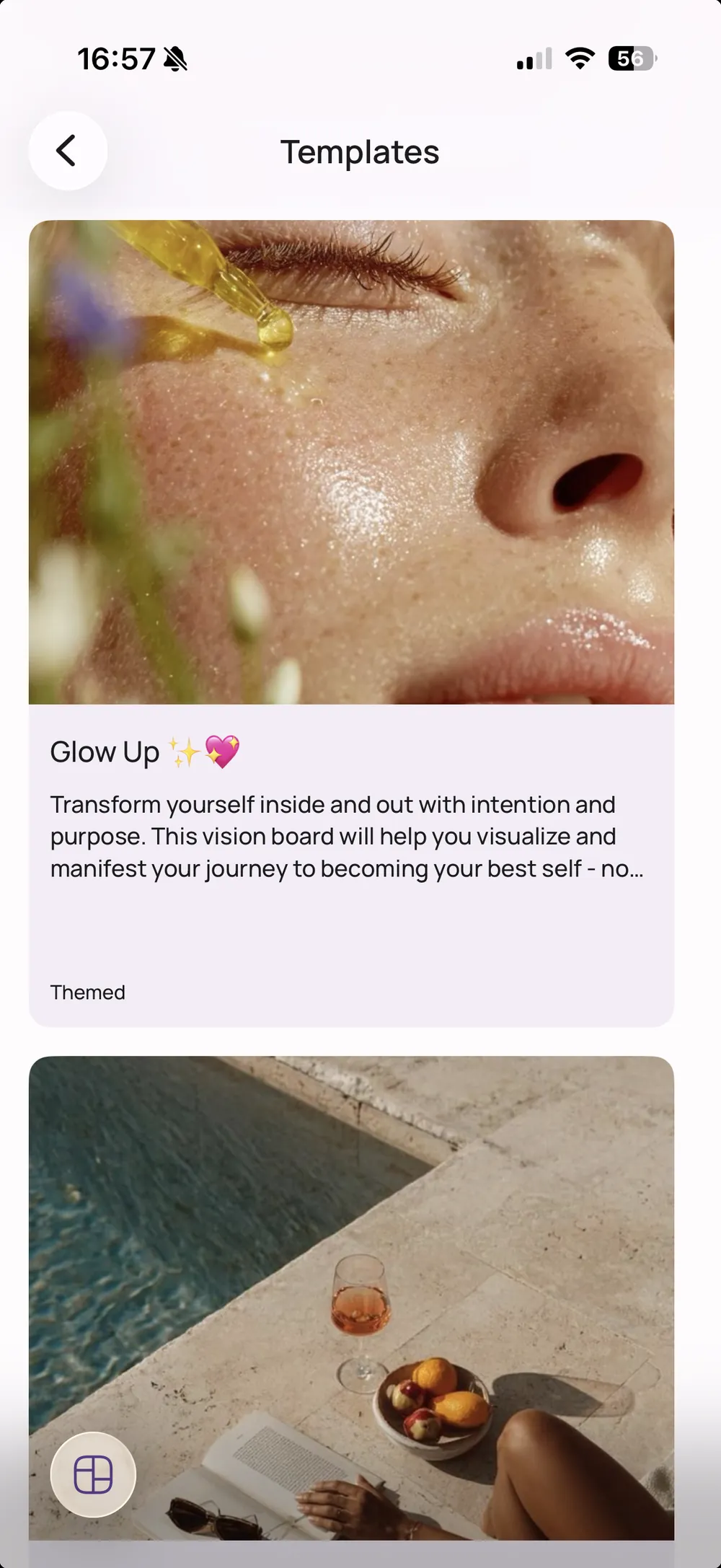
- Ready-made boards per area of life: Wheel of Life, Feng Shui Bagua, couples, moms, plus finances, career and fitness. Sections laid out, prompts included.
- Your board becomes a collage of photos, GIFs, stickers, notes and links, and you pick the colours.
- Over 3,000 affirmations by category, plus affirmation cards you can design.
- A gratitude journal with gentle daily reminders.
- The moon phase calendar, if you want to start on a waxing moon.
- The home screen widget, so your board turns up in your day.
- One board is always free, and VISIYA Plus is a one-time purchase with no subscription.
Eight apps at a glance
All of them run on iPhone and every one is free to download. The differences are in the price and in what the app is made for.

VISIYA
Our appOur own app. What it does differently is above: marking what has come true, ready-made boards per area of life, affirmations, a gratitude journal and the moon phases.
- Built for
- Vision boards
- Affirmations
- 3,000+ built in
- Widget
- Yes
- Price
- Free, one-time purchase

Vision Board Perfectly Happy
Boards with a mood tracker and a gratitude journal, and mind movies: your board as a video set to music. If your vision feels more like a film than a collage, that is the idea here. Access runs through a subscription according to the listing.
- Built for
- Vision boards
- Affirmations
- Daily
- Widget
- Yes
- Price
- Free, subscription

Vision Board 2027
Built around the nine fields of the Bagua map, with coaching content, and boards you can lock behind a PIN or Face ID. On the Bagua layout we have a free Feng Shui board and a printable template, if you would rather try it on paper first.
- Built for
- Feng Shui boards
- Affirmations
- Your own
- Widget
- Yes
- Price
- Free, subscription

Vision Board & Goal Tracker
The emphasis is on designable quote and affirmation cards: you choose the font, colour and background, and the result goes on your home screen as a widget or into your camera roll.
- Built for
- Boards & quotes
- Affirmations
- Designable
- Widget
- Yes
- Price
- Free, subscription

Vizzy
Make the board, put it on the widget, see it every day. Lean, with no detours. Access runs through a subscription according to the listing.
- Built for
- Vision boards
- Affirmations
- Yes
- Widget
- Yes
- Price
- Free, subscription
Canva
A design program rather than a vision board tool, and plenty of people build their board in it. Strong when you want full control of the layout and you know your way around layers, fonts and cut-outs, and a good choice for a board you intend to print.
You start there with an empty canvas and decide for yourself which areas of life belong on your board. A run-through of the areas worth covering helps with that.
- Built for
- Design in general
- Affirmations
- None
- Widget
- No
- Price
- Free, Pro subscription

Not a vision board app, and it does not try to be. As a source of ideas it is unbeatable: if you have no idea what your board should look like, ten minutes there will give you more to work with than anywhere else. We collect there ourselves.
What separates it from a vision board is intent. A pinboard grows forever and the feed keeps offering you more, while a vision board works because you decided and then stayed with it. So gather on Pinterest, pick up some examples and ideas along the way, then build your board somewhere it is allowed to be finished. Our Pinterest guide shows how that works step by step.
- Built for
- Inspiration
- Affirmations
- None
- Widget
- No
- Price
- Free
Freeform
Apple's whiteboard, already on your iPhone and completely free. For a quick pile of ideas it is plenty. It just doesn't remind you of anything, doesn't structure anything, and a year from now you won't remember where the file was.
- Built for
- Whiteboarding
- Affirmations
- None
- Widget
- No
- Price
- Free
VISIYA is our app. Everything stated about the others comes from their own App Store listings as of September 2026. Prices and features change, so check the App Store if it matters to your decision.
And if you would rather work on paper?
Then do. A board on the wall works, and you can fill in our printable templates by hand. The step-by-step guide walks through how.
Digital wins on two things: you have it with you, and you can change it when your life changes. Plenty of people use both, one on the wall and one on the phone. What each needs is covered under digital and physical supplies.
Common questions
Which vision board app is best for iPhone?
It depends what you are after. If you want to hold on to what has come true, and to have affirmations, a gratitude journal and the moon phases in one place, VISIYA is built for that. If you want your vision as a video set to music, look at Perfectly Happy. And if you want to design freely and print the result, Canva will do.
Can I record what has already come true?
In VISIYA, yes. You mark an element as fulfilled once it has happened, and the board overview shows how much of your board has come true so far.
Is there a vision board app without a subscription?
Yes. VISIYA Plus is a one-time purchase, not a subscription. The other vision board apps here run on a subscription according to their listings.
What is the best free vision board app?
VISIYA is free to use: build a board of your own, add images, read affirmations and write down what you are grateful for, without paying. Six ready-made templates are included. Freeform is free too, but it is an empty whiteboard with no templates. What needs VISIYA Plus on our side is set out on the free versus Plus page.
Is VISIYA available for Android?
Not yet. VISIYA is available for iPhone and iPad. On Android, Canva in the browser is the closest alternative, or print one of our free templates.
Can I use Pinterest as a vision board?
For gathering ideas, Pinterest is excellent. As a vision board it has one weakness: a pinboard grows forever, and the feed keeps offering you more. A vision board works because you decided. So gather on Pinterest, then build your board somewhere it is allowed to be finished. Here is how, step by step.
Your first board in about three minutes
One vision board stays free for good. VISIYA Plus is a one-time purchase, not a subscription.